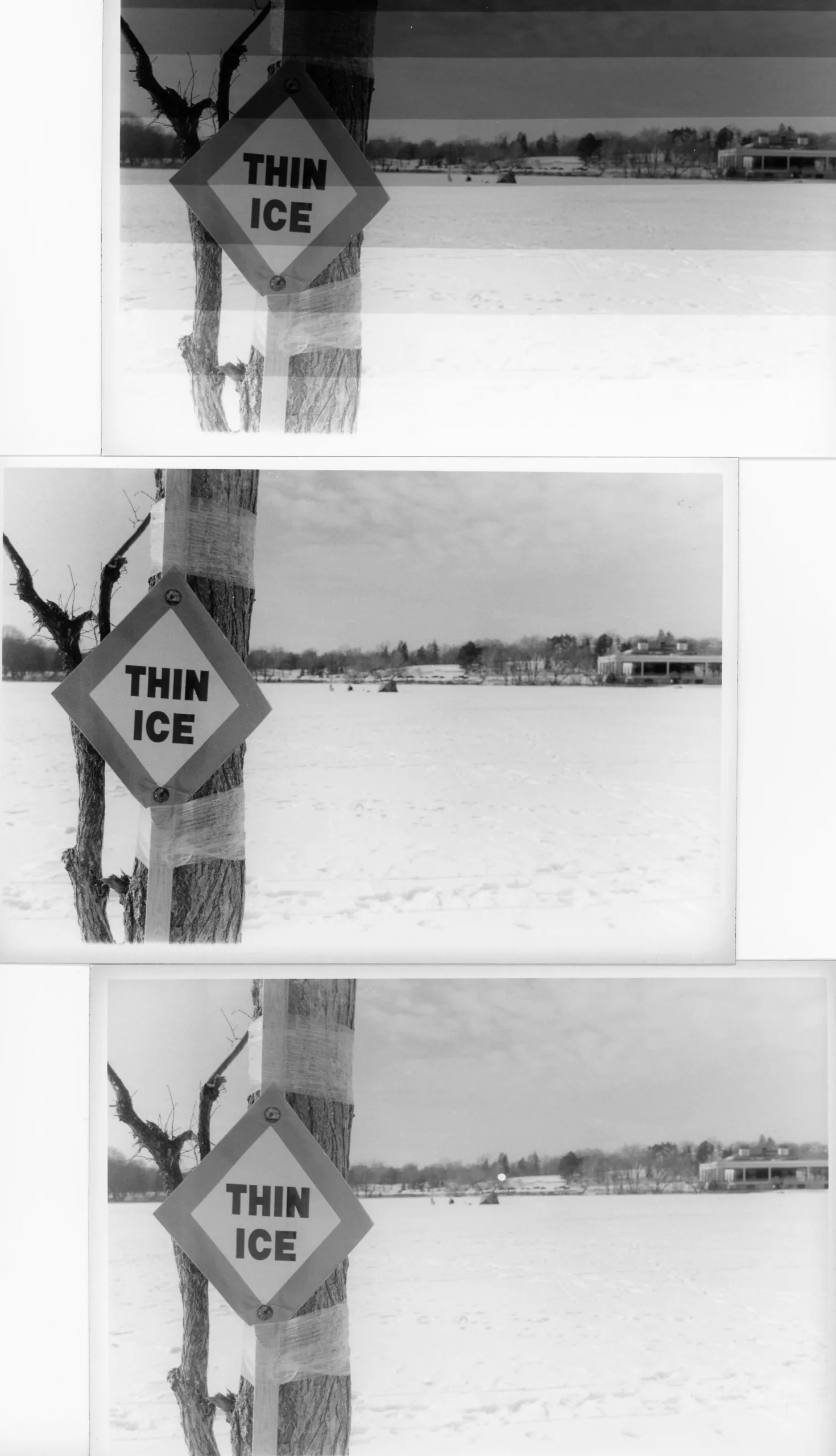
This post was drafted in September 2025. For whatever reason, I never posted it. Still, I’m so impressed with Ilford’s customer service that I wanted to share. Plus, I’m posting this in hopes of helping someone else who might be dealing with fogged paper but is unsure of where that could be coming from.
I’ve been using Ilford MGRC paper in a pearl finish for my postcards. But when I scan the pearl paper, the texture of the paper reflects the light and creates false dust spots on my images. I am already struggling to post the postcards in a timely fashion (as evidenced by the fact that I’m not), and I don’t want to spend time editing out fake dust marks after I’ve actually spotted real dust marks using Peerless watercolor inks and teeny tiny paintbrushes.
I don’t love glossy paper, but it’s supposed to scan better, so I decided to try it. Of course the 4 by 6 size only comes in a 500-sheet box. (So even if I don’t like glossy paper, I will find a way to like glossy paper! Yes, I could have bought 8 by 10 paper and cut it down, but since I’m printing to many postcards for this project, I decided to just go for the bigger box in the size I want.)
I purchased the paper in May and opened it in late July under safelight conditions. I made some test prints, and waited until the next darkroom session to print some postcards.
When I examined the test prints, I noticed that the border had a grey tint to it. My mind whirled. Did I somehow expose some paper to a white light? Was the top part of my seated incorrectly, letting light leak onto the border of the print? Had my safelight gone rogue? Had my chemistry gone bad?
Other than forgetting to stop down on my enlarger, I haven’t (unintentionally) fogged paper in a long time. So this was a mystery.
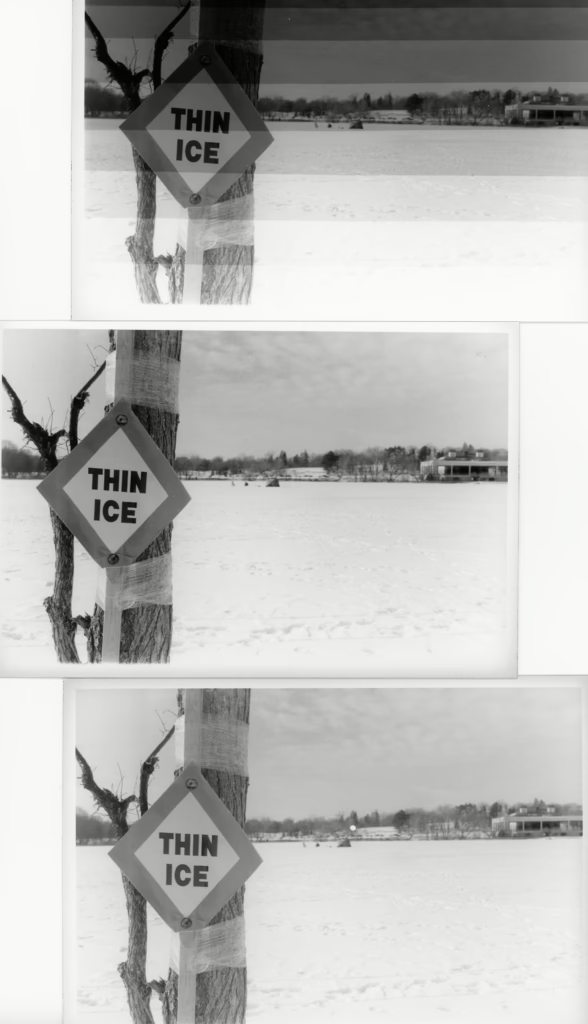
In boxes of this size, the paper is packaged in four separate opaque packages of 125 sheets. I don’t have a proper paper safe. Instead, I “decant” about 20 sheets of paper into an old paper box, and I put the larger 500-sheet box away in a different cabinet. I do this so that if I ruin paper, I only ruin a few sheets at a time. I’m pretty good about putting the box of paper away each time I use it, and I couldn’t remember exposing the paper to white light. Still, the fogging was blatant, so I needed to test the paper and my processing methods.
Testing the Fogged Paper
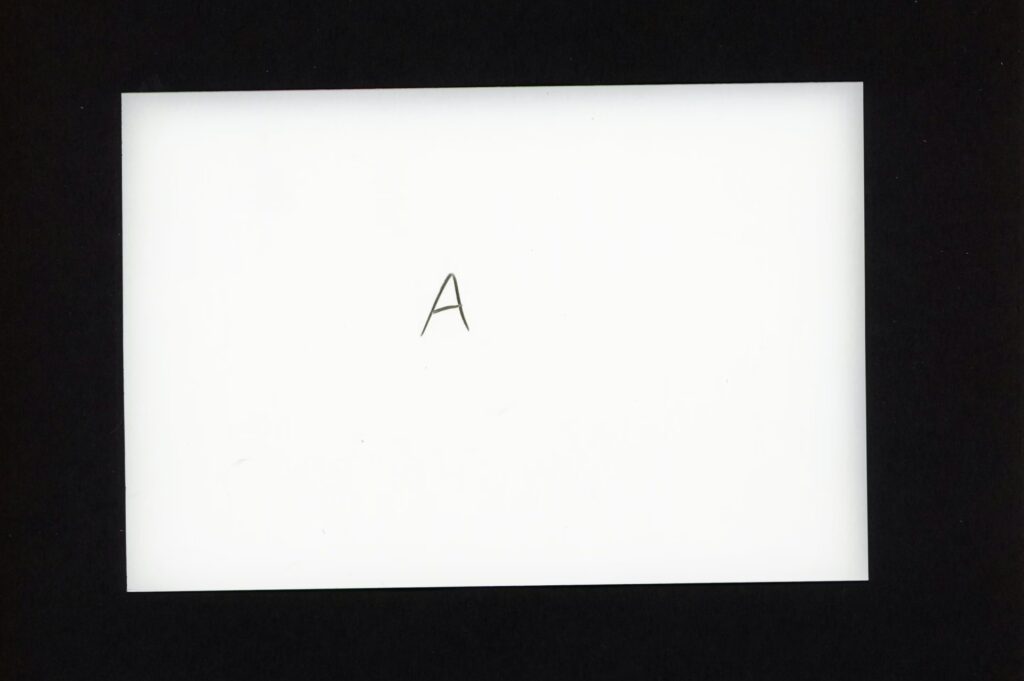
I thought something might be wrong with my easel border, so I processed one piece of paper using my normal procedures under safelight conditions without exposing it to white light (the safelight was on). I still saw grey edges. OK. The problem wasn’t the easel (paper A).
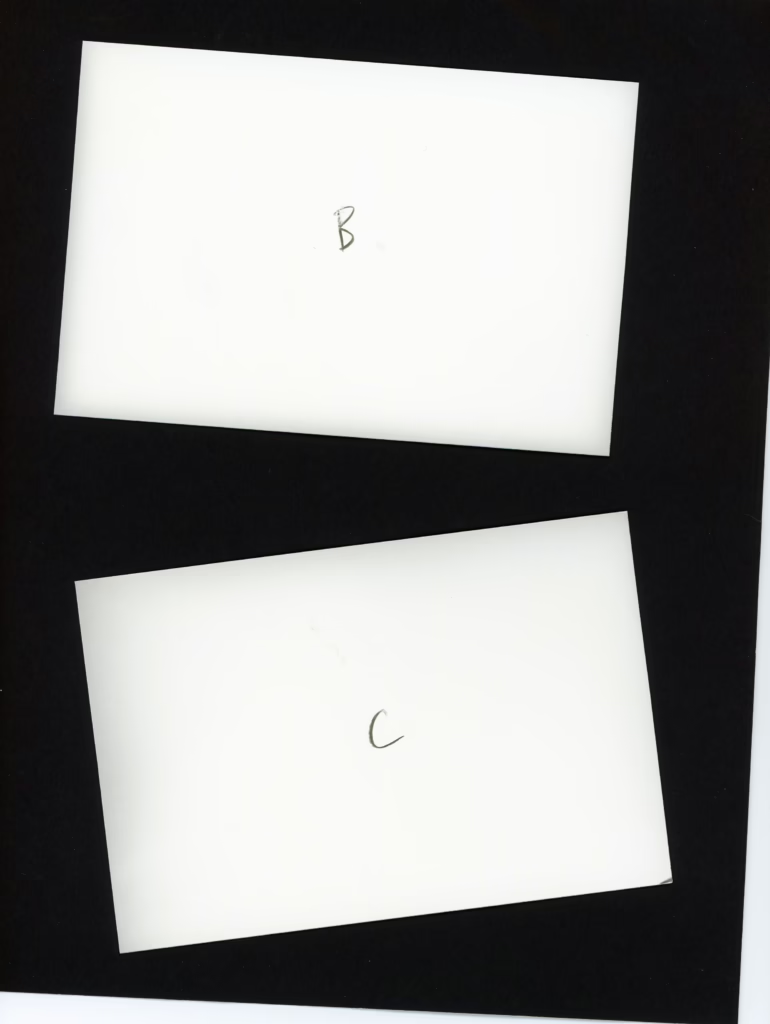
I last tested the safelight with pearl paper in January 2025. I hadn’t noticed any oddness with the light, but I still wanted to check if the safelight was the problem. To do this, I turned off the safelight and worked in the dark. I processed one sheet of paper from the opened opaque package in the original paper box (this paper had been briefly exposed to a safelight one time) and one sheet from a still closed package (this paper had never been exposed to the safelight). I developed them normally. Both pieces of paper came back with grey edges. The problem wasn’t the safelight (papers B and C).
Finally, I wanted to see if my chemistry and edge staining might be the problem. Since I had eliminated the safelight as the issue, I turned the safelight back on. I cut one sheet of paper from the working package in half; I developed one piece of paper like normal (paper D) and put the other piece of paper directly in fixer (paper E). The fixed-only paper came out without any grey, and had neither fogging nor staining (as expected). The developed paper had grey on the outside edges but not the cut edge, which means it wasn’t an issue with chemical staining. As a final check, under safelight conditions I developed a test strip of Ilford MCRC Pearl that I had not been having problems with (paper F). It came out like normal. So the issue wasn’t the chemistry.
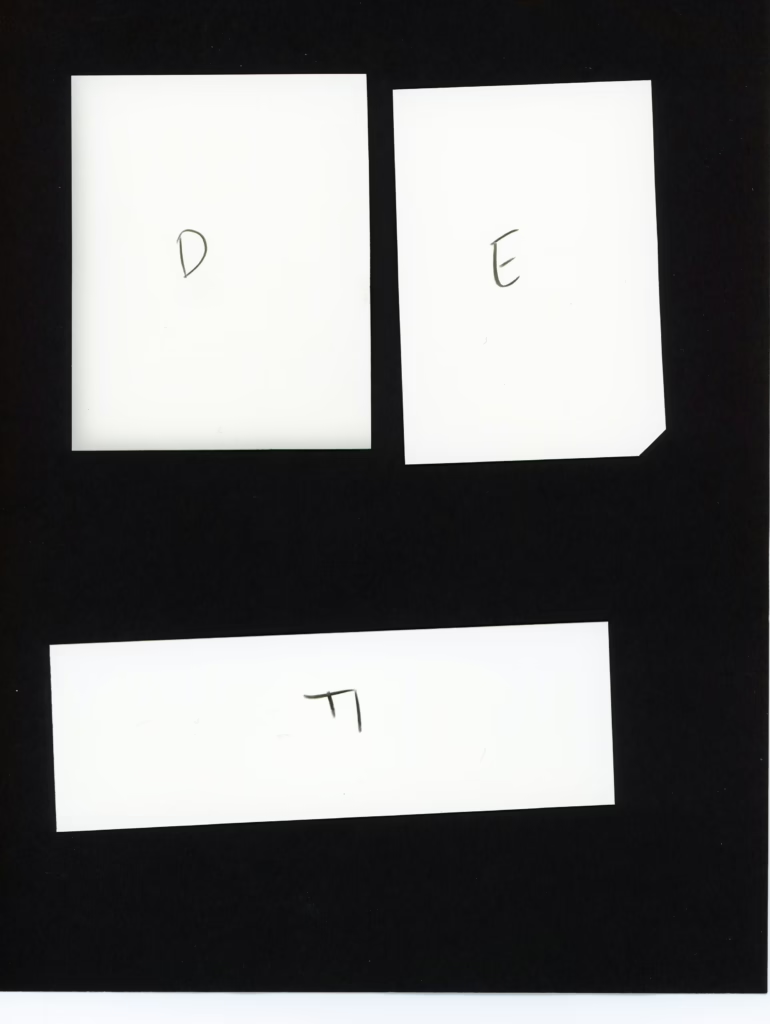
The fogging appeared on three edges (one long edge and two short edges) and seemed to go inward approximately 3 to 5 mm. The fogging seemed to go along a grainline of the paper. The grey made tiny vertical lines perpendicular to the long edge, and that vertical north-south “grain” pattern follows that north-south pattern along on the short edges.
Ilford’s Response
I had stored this paper like every other paper in my stash, and this was the only time I’d ever had this problem. I believed this paper was fogged before I opened it, so I contacted Ilford via their product feedback form.
Ilford got back to me within a few business days. The agent, Sue, told me that it sounded like the issue was edge/background fogging from interaction with the box. She also warned me to be careful decanting the paper, and cautioned me to use Ilford boxes, because they have been formulated not to interact with the paper in a negative way. Based on the batch number, it also seems this box might have been sitting around for a bit of time before I intercepted it.
As I said at the beginning of this post, in these 500-sheet boxes, the paper is packaged in four packs of 125 sheets each. There are two layers, so top left, top right, lower left, and lower right bags.
Sue’s response made me wonder if the clean edges were the inside edges of the paper. Since I’d only opened the top layer of bags (and couldn’t be sure of which edge was the inside edge), I pulled one sheet from each bottom layer bag. Under safelight conditions, I used a grease pencil to mark the inside edges. Then I developed them like normal.
And yep, as I expected, it was the center edges that were the cleanest.
Ilford made it right, and sent me a replacement box from a much newer batch number. I tested the box as soon as I got it and found no fogging.
This is the only time I’ve ever had to contact Ilford, and I was really impressed with how detailed their customer service was. In high school, I’m pretty sure almost all of my film and paper was Kodak branded. Thirty years later, in the age of digital photography, I’m so glad to have found Ilford, because I feel like they really understand the needs of photographers and artists! I’m doing film photography for the long haul, and I feel like Ilford/Harman is in it for the long haul too!
Leave a Reply